Example Transcripts
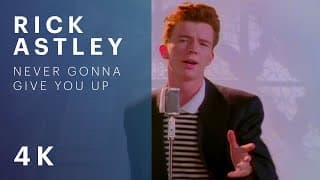
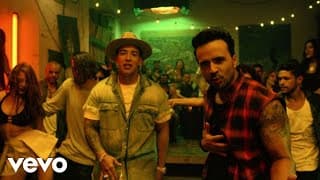
See what transcripts look like before generating your own. Click on any example to view the full transcript with all features including search, copy, and download.
What You'll See in These Examples
Each transcript example demonstrates our clean, readable format that makes video content easy to work with. You'll see:
- Formatted text: Clean paragraphs without timestamps for easy reading
- Timestamp view: Toggle to see when each part was spoken
- Search functionality: Find specific moments quickly
- Copy and download: Export transcripts for your use
- Video player: Watch the original video alongside the transcript

Tips for Using Transcripts
For Students
- • Extract key points from lecture videos for study notes
- • Search for specific topics without rewatching entire videos
- • Create citations with accurate quotes and timestamps
- • Build study guides from multiple educational videos
For Content Creators
- • Repurpose video content into blog posts and articles
- • Create social media quotes and snippets easily
- • Generate show notes and episode descriptions
- • Improve SEO by adding transcripts to your website
For Researchers
- • Quote video sources accurately with timestamp references
- • Analyze spoken content for research purposes
- • Create accessible references for academic work
- • Extract data from video interviews and presentations
For Accessibility
- • Make video content accessible to those who prefer reading
- • Provide text alternatives for hearing-impaired users
- • Enable content consumption in quiet environments
- • Support multiple learning styles and preferences
What You Can Do With Transcripts
Transcripts open up many possibilities for working with video content. Once you have a transcript, you can search through it instantly to find specific moments, copy quotes for your work, or download the entire text for offline use. The search feature highlights matching text, making it easy to jump to relevant sections. You can also toggle between a clean text view and a timestamped view depending on your needs.
Whether you're a student taking notes, a creator repurposing content, a researcher citing sources, or someone who simply prefers reading over watching, transcripts make video content more accessible and useful. Every transcript is formatted for easy reading with built-in search, copy, and download.
Note: Transcript quality can vary based on audio clarity, speaker accents, and background noise. If you need a more refined result, try the AI transcript option on the transcript page.
Try Your Own Video
Ready to generate a transcript for your own video? Paste any YouTube URL to get started. The process is simple and takes just seconds.
Get Started